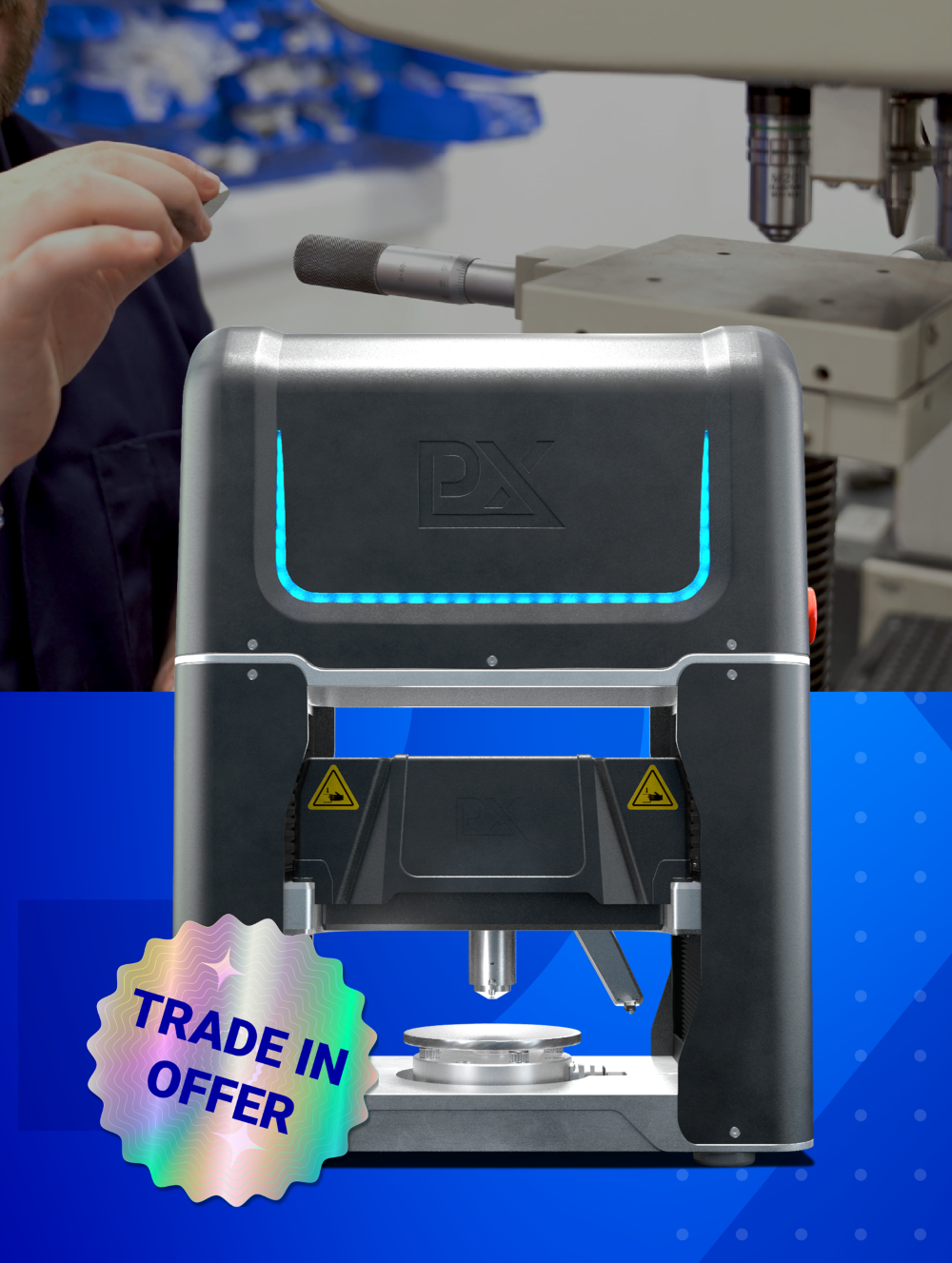
When out in the field, inspection teams can face any number of challenges, from extreme weather conditions to unexpected site conditions. These crews need a tool that streamlines the testing process and minimises the risk of data inconsistencies: this is where the PLX-Portable comes in.
With over 100 built-in safety checks, the PLX-Portable is engineered to minimise user error, ensure data reliability, and keep inspection crews safe: all with no hidden costs. Included with every PLX-Portable, the PTW testing software guides each user through strategic alerts and reminders to guarantee data confidence. These fall into three main categories.

User aids
PTW has been designed with the end user in mind, guiding inspection teams through a step-by-step workflow to ensure that every test is set up and executive correctly. Throughout testing, on-screen prompts confirm the correct positioning of the tool, embedded video guides reinforce proper test procedures, and real-time feedback reduces the risk of errors. These testing aids help to ensure minimal downtime and eliminate the need to cross-check manuals or second-guess setup steps.

Hardware monitoring
PTW monitors the hardware throughout every test, continuously checking that all components are operating as expected. If an issue arises, PTW will immediately pause the test and alert the user before inaccurate data is recorded. Automated safety stops prevent damage to the hardware or the testing surface, eliminating any associated risks.
As an example, if the load cell registers high readings while the built-in measurement devices (LVDTs) fail to detect proper contact with the pipe, it could signal an issue with set up. Left unchecked, this could lead to inaccurate data, equipment damage, or the need to repeat the test. To prevent this, PTW immediately alerts the users and halts the indent before any further force is applied.
Result monitoring
Just as the hardware is monitored in real-time, so are the results. As each test is completed, the software checks the results to ensure no anomalies have occurred. If the system detects inconsistencies, it flags the issue, alerts the operator, and suggests corrective actions. Because in-ditch reporting is instant, there’s no need to wait until the job is complete to review test results. Crews can make informed decisions on the spot: saving time, streamlining costs, and reducing unnecessary repeat visits.
If a cradle is misaligned, for example, PTW will highlight the problem and recommend checking the setup before proceeding. Inspection teams can then adjust and re-run the test while still on-site, rather than discovering errors later and having to return to the dig site for a retest.
Testing software designed for you
The newest PTW software update includes a redesigned user interface, making it easier than ever for in-ditch crews to navigate the testing process. Built with direct input from inspection teams, the updated UI ensures that critical information is always accessible, no matter the conditions. Because we’re committed to working closely with the people using our tool, we continuously listen to feedback and refine the software to meet real-world needs. The goal is simple: provide everything an inspection crew needs for any in-ditch testing scenario, without unnecessary complexity.
Our goal to reduce the complexity of testing extends to our straightforward, transparent pricing model. The software and all of its features - including updates - are complimentary, ensuring you get the best possible performance and user experience without any surprise fees.
With these built-in safety measures, users can have confidence in every test. In an industry where accuracy is non-negotiable, the PLX-Portable has been designed to minimise downtime and maximise data confidence.
Learn more about the PLX-Portable: Click Here
Frequently Asked Questions
What is the PTW software?
PTW is the testing software included with every PLX-Portable. It guides inspection crews through the testing process with strategic alerts and reminders to ensure data confidence, and it runs on the included rugged laptop. It contains over 100 built-in safety checks engineered to minimise user error and keep crews safe.
What are the three categories of safety checks?
The checks fall into user aids, hardware monitoring, and result monitoring. User aids guide teams through a step-by-step workflow with on-screen prompts, embedded video guides, and real-time feedback. Hardware monitoring continuously checks components during each test. Result monitoring reviews completed test results for anomalies.
How does hardware monitoring prevent bad data?
PTW continuously checks that all components are operating as expected and immediately pauses the test and alerts the user if an issue arises, before inaccurate data is recorded. For example, if the load cell registers high readings while the LVDTs fail to detect proper contact with the pipe, PTW halts the indent before more force is applied, preventing inaccurate data or equipment damage.
What happens if the software detects a problem with the results?
As each test completes, the software checks for anomalies. If it detects inconsistencies, it flags the issue, alerts the operator, and suggests corrective actions. Because in-ditch reporting is instant, crews can act on the spot. For instance, if a cradle is misaligned, PTW highlights the problem and recommends checking the setup, so the team can adjust and re-run the test on-site rather than returning later.
Is the PLX-Portable software an added cost?
No. The software and all of its features, including updates, are complimentary, as part of a straightforward, transparent pricing model with no surprise fees. The latest update includes a redesigned user interface built with direct input from inspection teams.

Matthew has a Mechatronic Engineering degree from Stellenbosch University (2023), where he focused on the integration between hardware and software. This culminated in a final year project building a demo model of a dual-axis solar panel that could be controlled via Bluetooth. Matthew joined Plastometrex in 2024 as a Software Engineer before being promoted to Engineering Project Manager. In his role, he oversees the both the PLX-Portable and future engineering ventures, combining his learned skills in both hardware and software.